Turn long videos into short viral clips
Find standout moments in your videos with AI for share-worthy Instagram Reels, TikToks and YouTube Shorts. From podcasts and interviews to hot takes and storytimes.
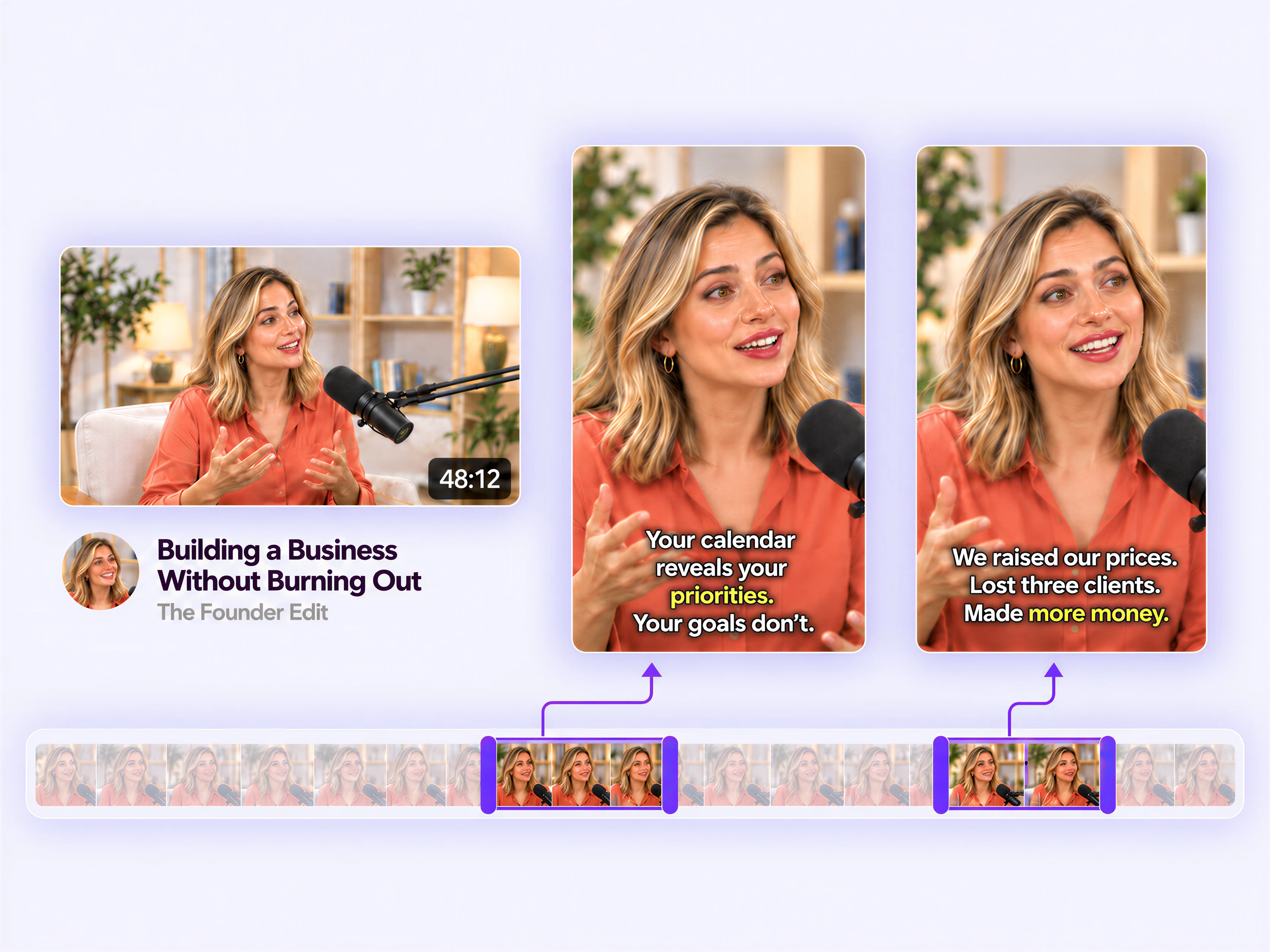
How it works
Bring your video
Upload a video or import it from YouTube, Google Drive, Dropbox or a direct video link.
Let AI find the good stuff
Choose your clip count and length, or leave both on Auto. AI finds the moments worth sharing.
Pick your favorites
Preview, trim and adjust framing, then add your favorites to Canva. Add captions with Canva’s built-in tool.
Skip the searching. Find the good stuff.
Find the good stuff without watching it all again
Skip the scrubbing. AI finds clear ideas, memorable stories and compelling answers, then ranks excerpts that make sense on their own.
Find the hooks that draw people in
An unexpected answer. A bold opinion. A story you want to hear. AI looks for openings that give people a reason to keep watching.
Find moments worth watching to the end
A hook is only the beginning. Video Clipper looks for moments that deliver a useful takeaway, a satisfying answer or a story with a payoff.
Go vertical for Reels, TikToks and Shorts
Turn widescreen videos into vertical clips, with suggested framing that helps keep the speaker in view. Preview and fine-tune before adding them to your design.
Upload a video or import a link
Upload a video or use a link from YouTube, Google Drive, Dropbox or a direct video file.
Big conversations. Quick takes. Stories worth sharing.
Podcasts & interviews
Give a memorable answer, unexpected opinion or great exchange its own moment.
Hot takes & commentary
Pull out the point that gets people talking.
Stories & vlogs
Bring a surprising reveal, funny anecdote or relatable experience to a new audience.
Webinars & lessons
Share one useful insight without asking everyone to watch the full video.