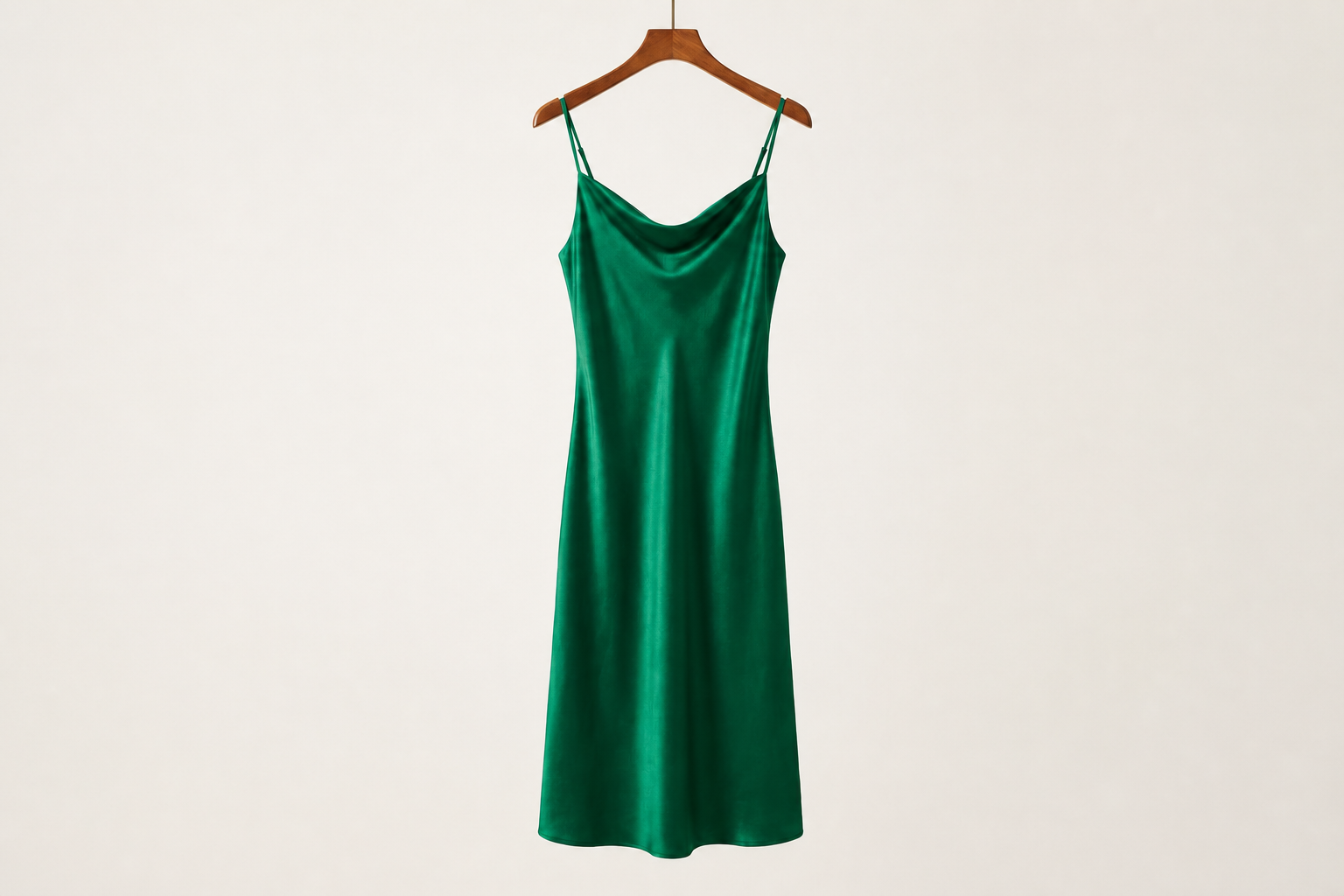
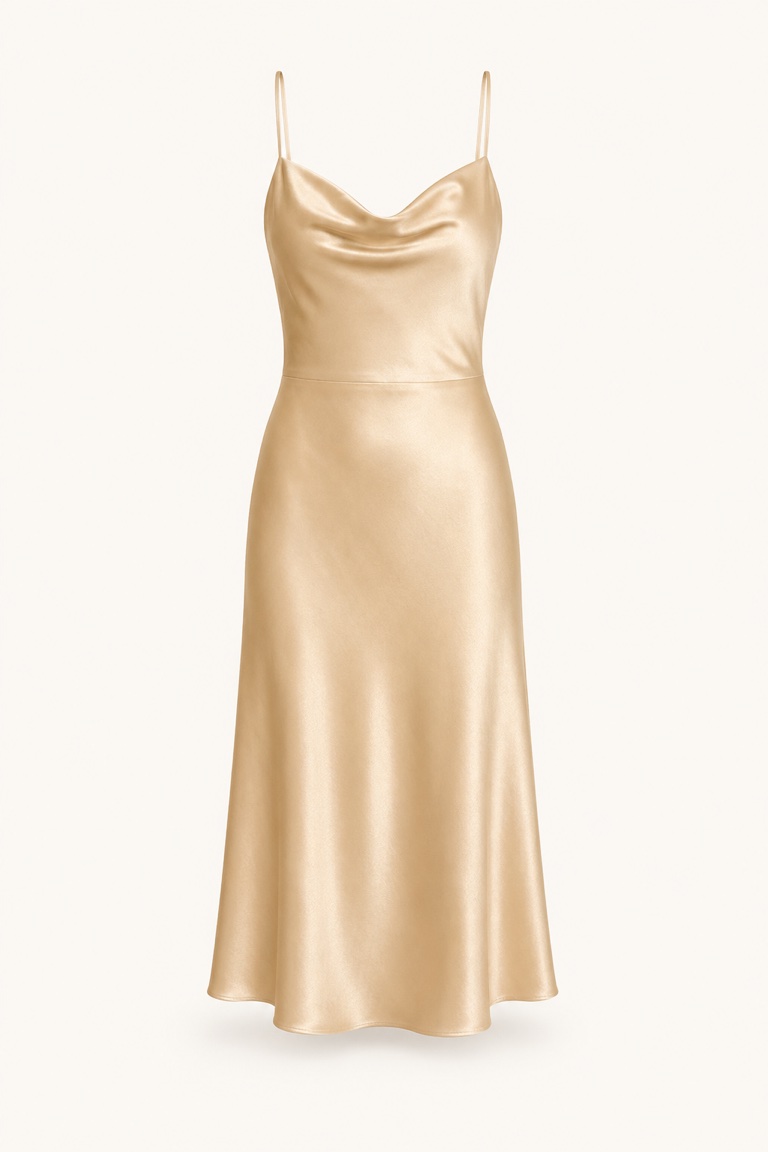
 Champagne Satin Slip Dress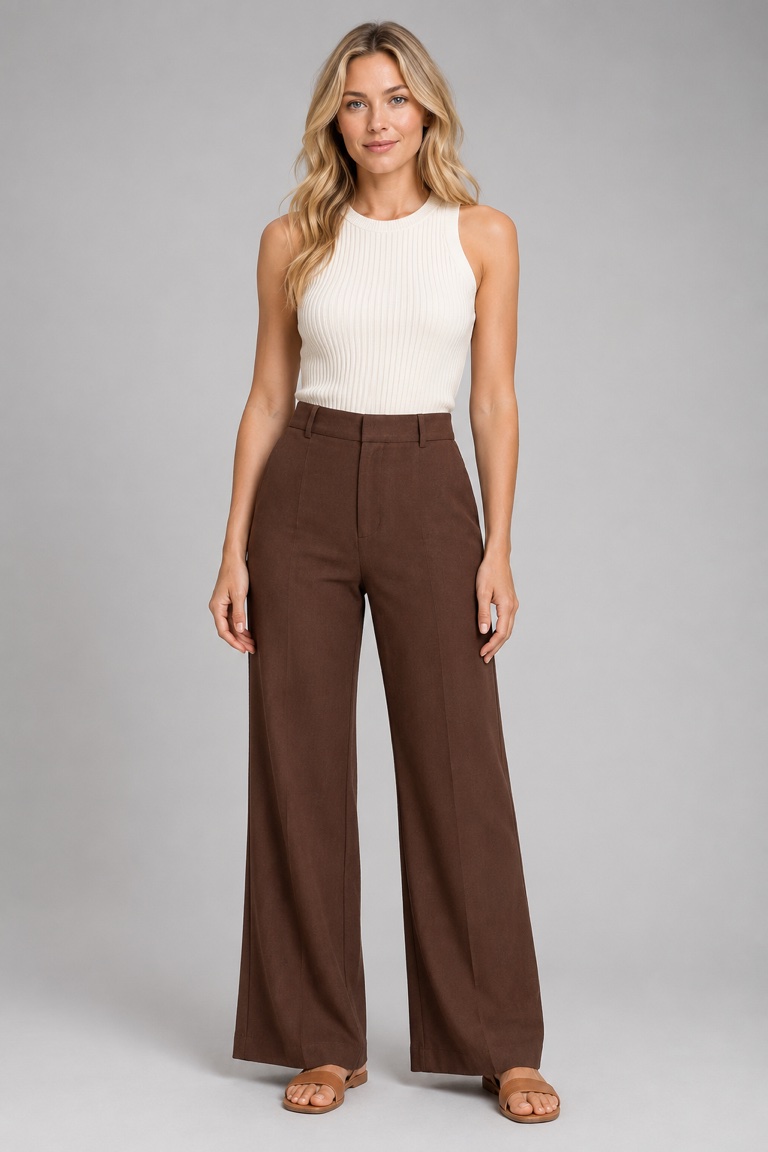
AI virtual try-on for Shopify
Shoppers upload a photo and see themselves wearing your products, right on the product page. Mobile-first. No code required.
Champagne Satin Slip DressChampagne Satin Slip Dress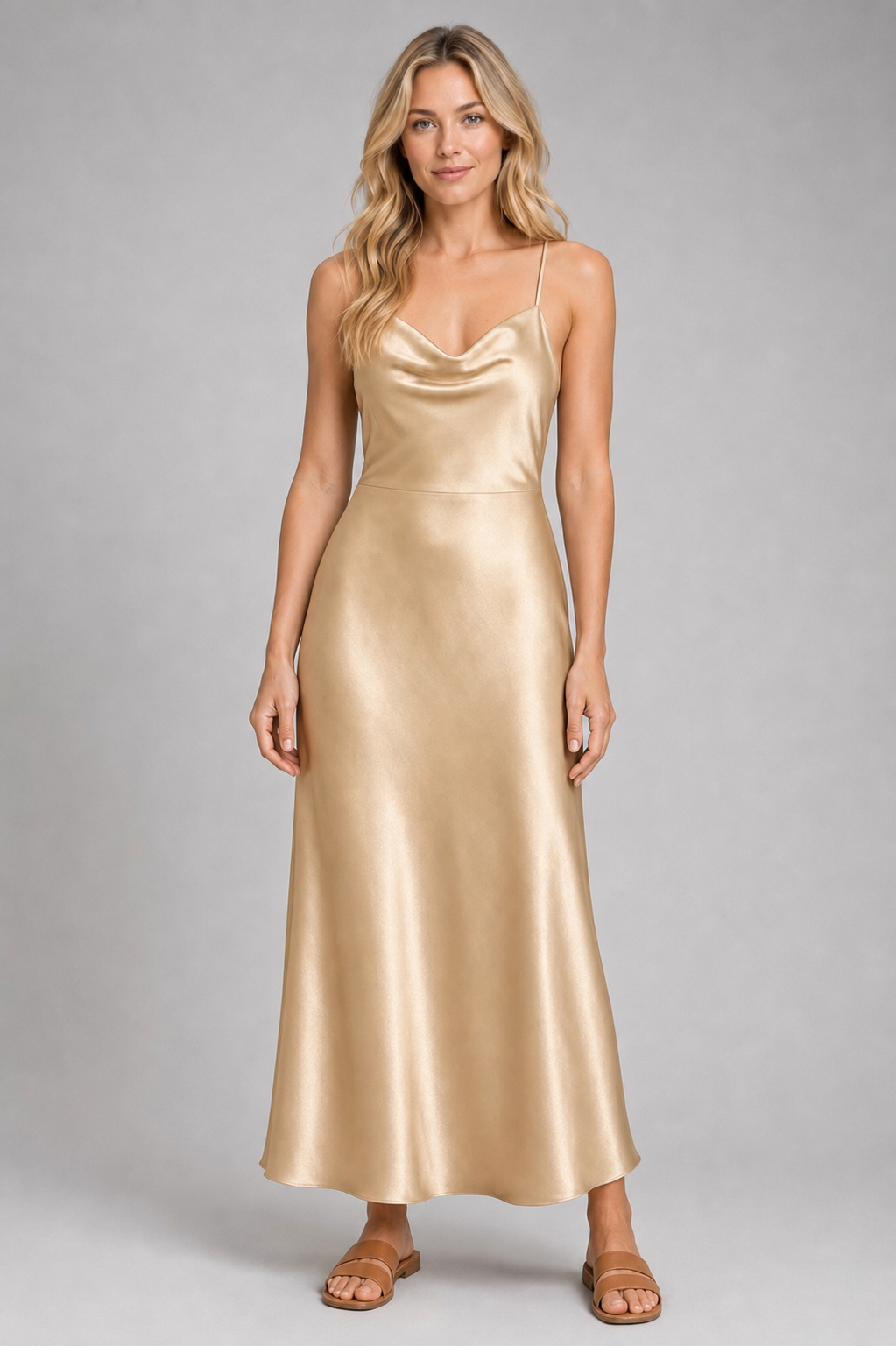
No-code setup
A panel beside the product on desktop, full-screen on mobile. Shoppers try on the exact item they’re viewing, right on the page.
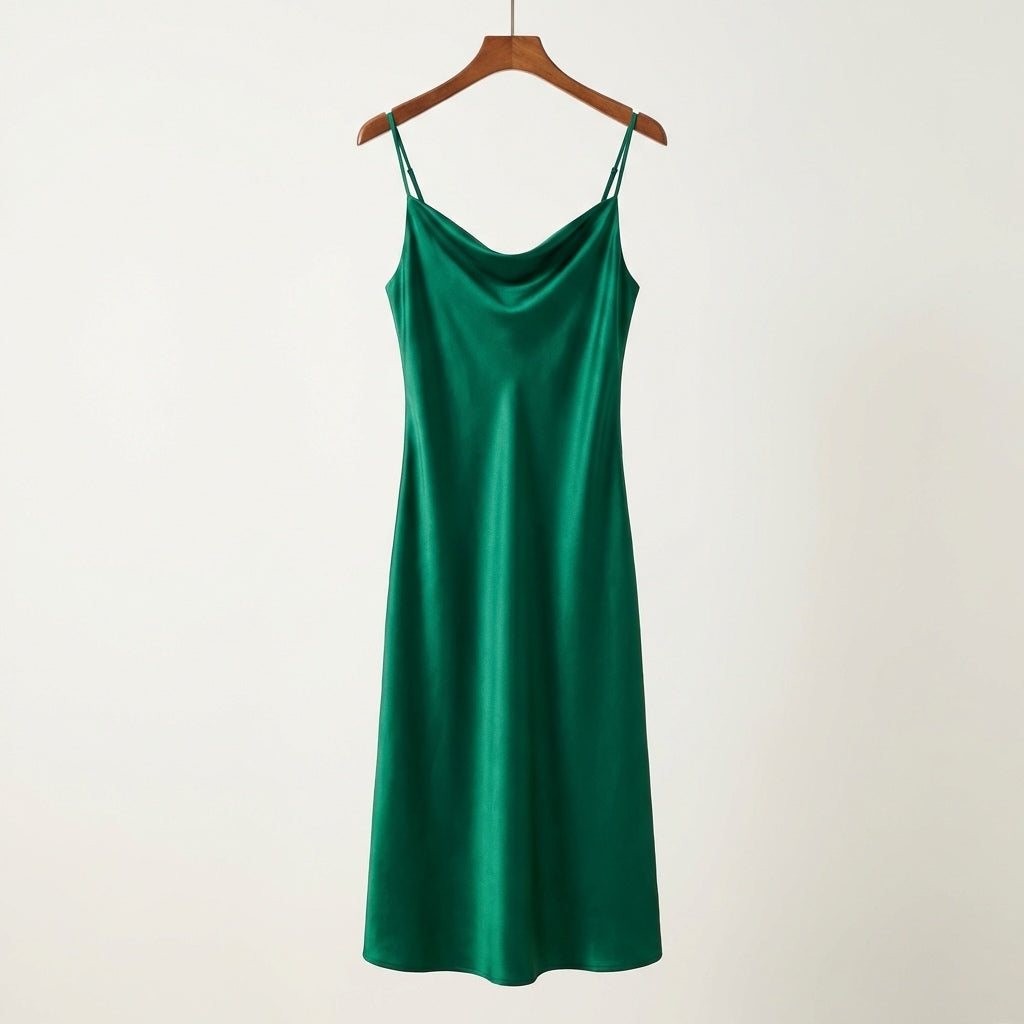
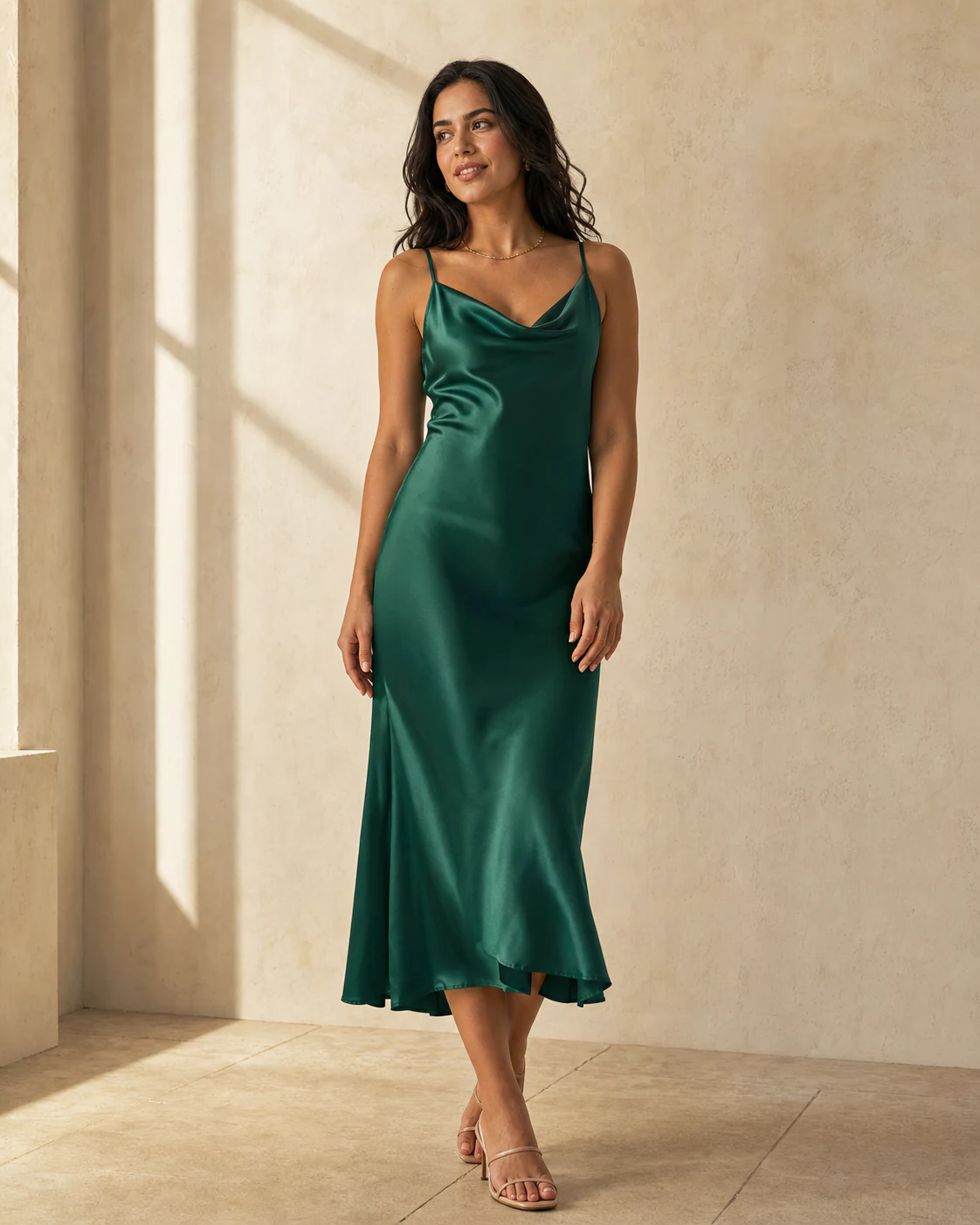
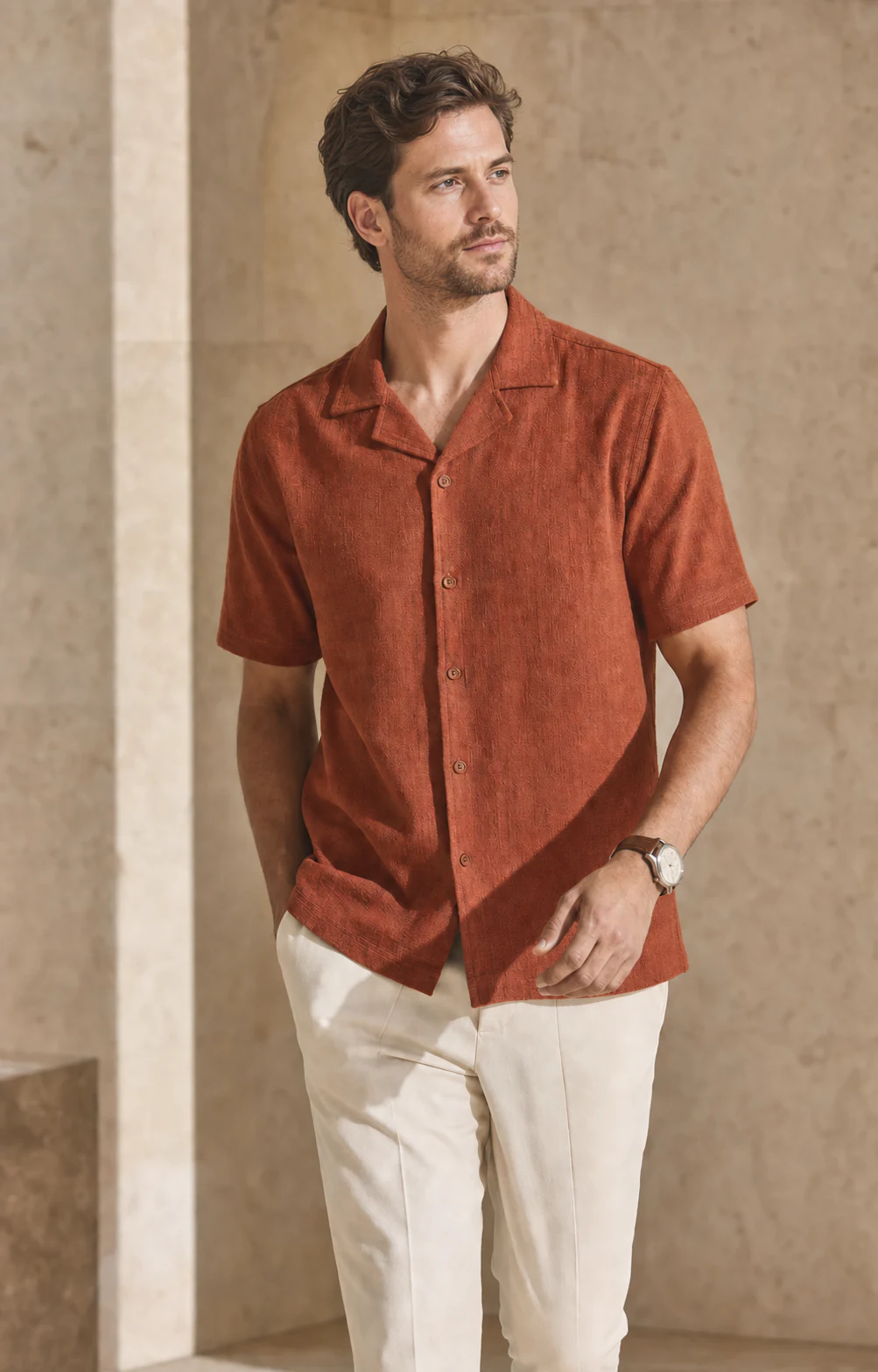
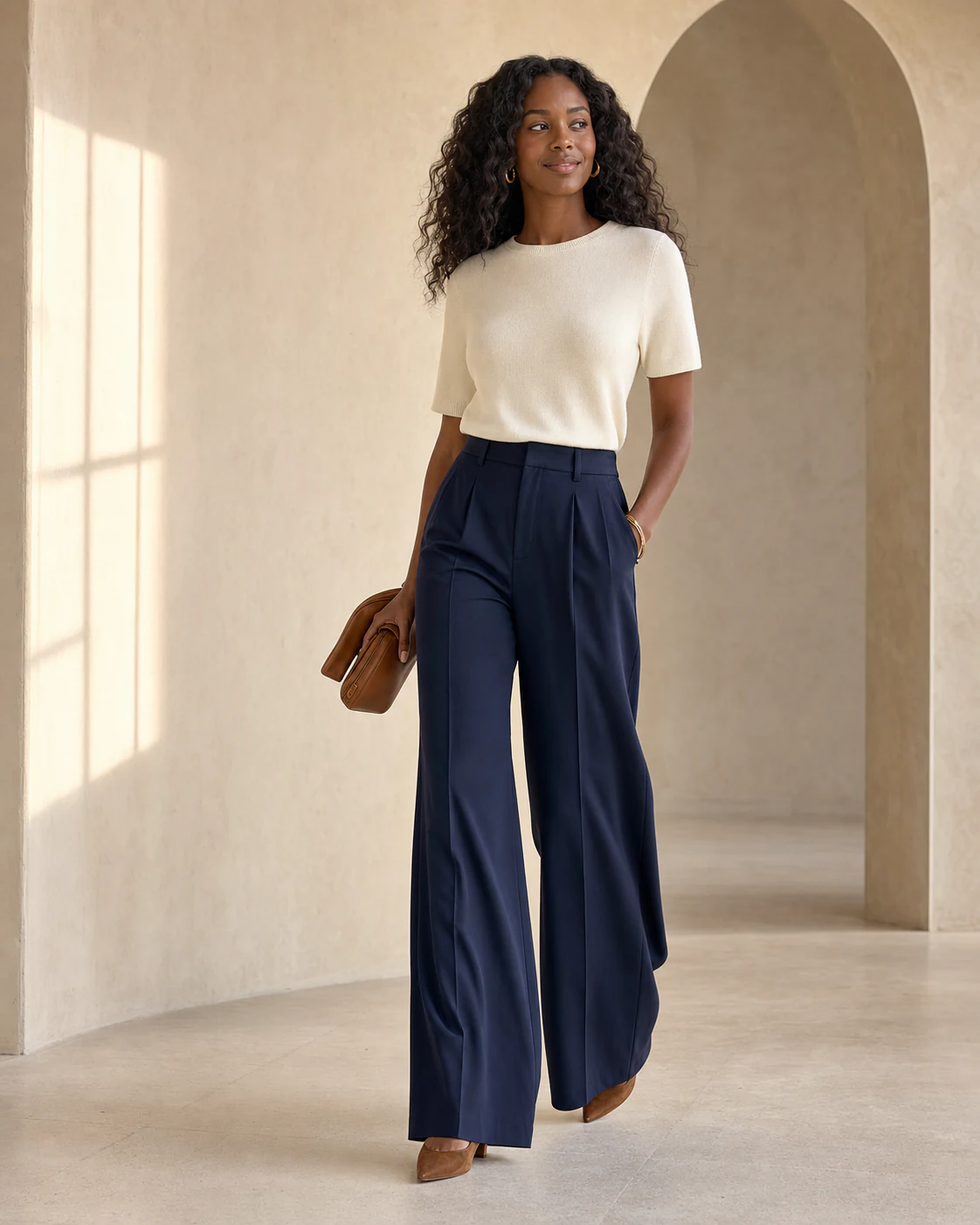
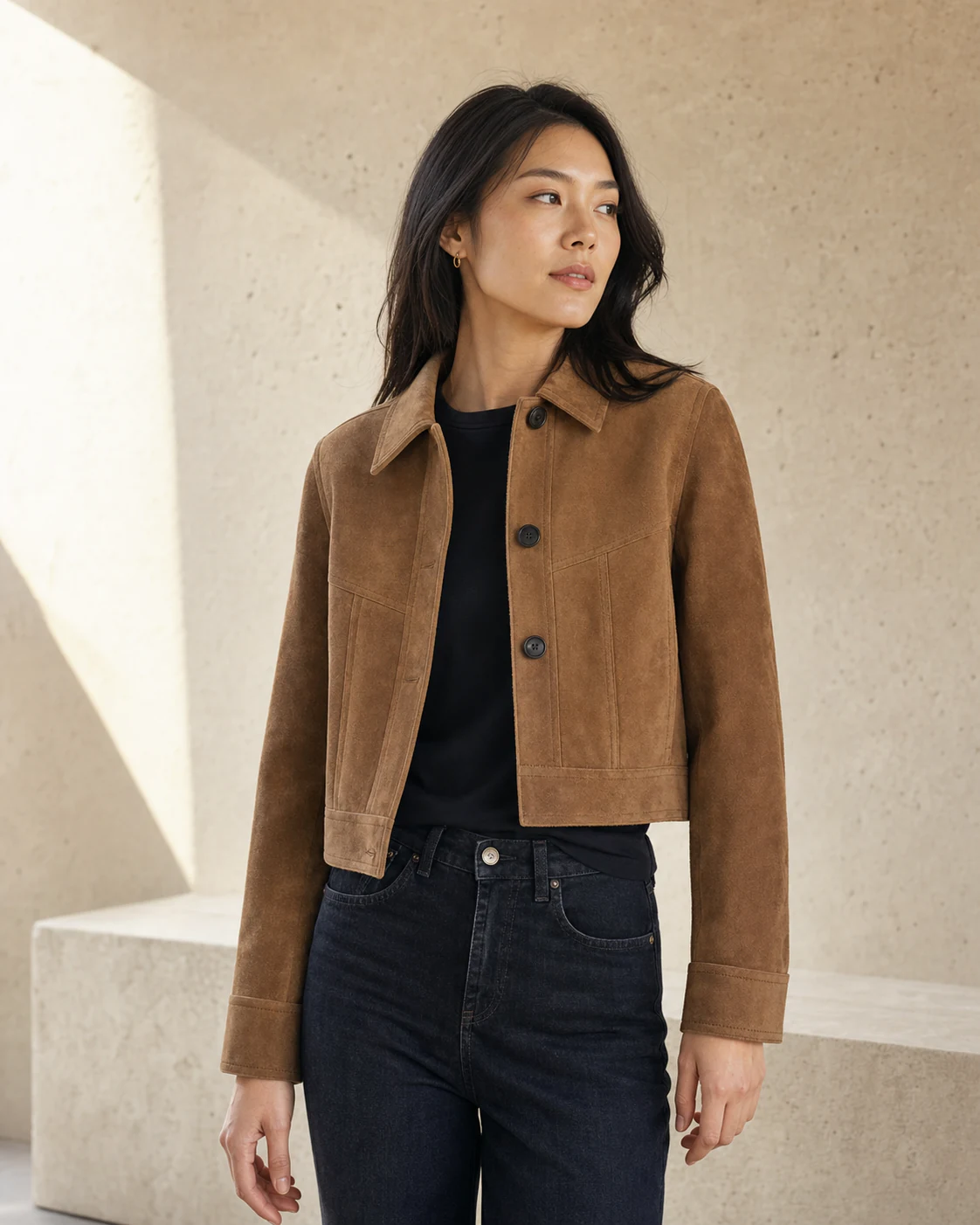
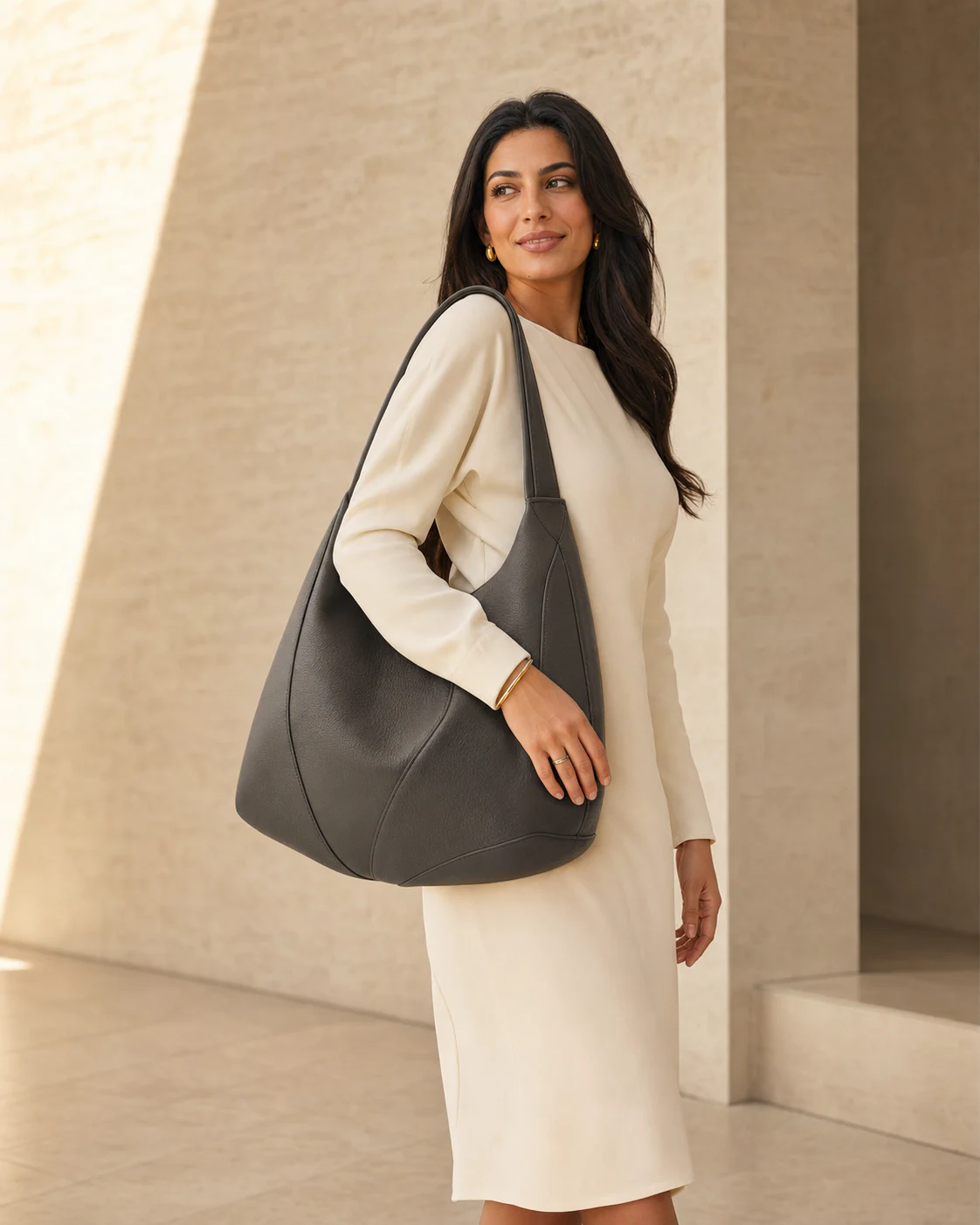
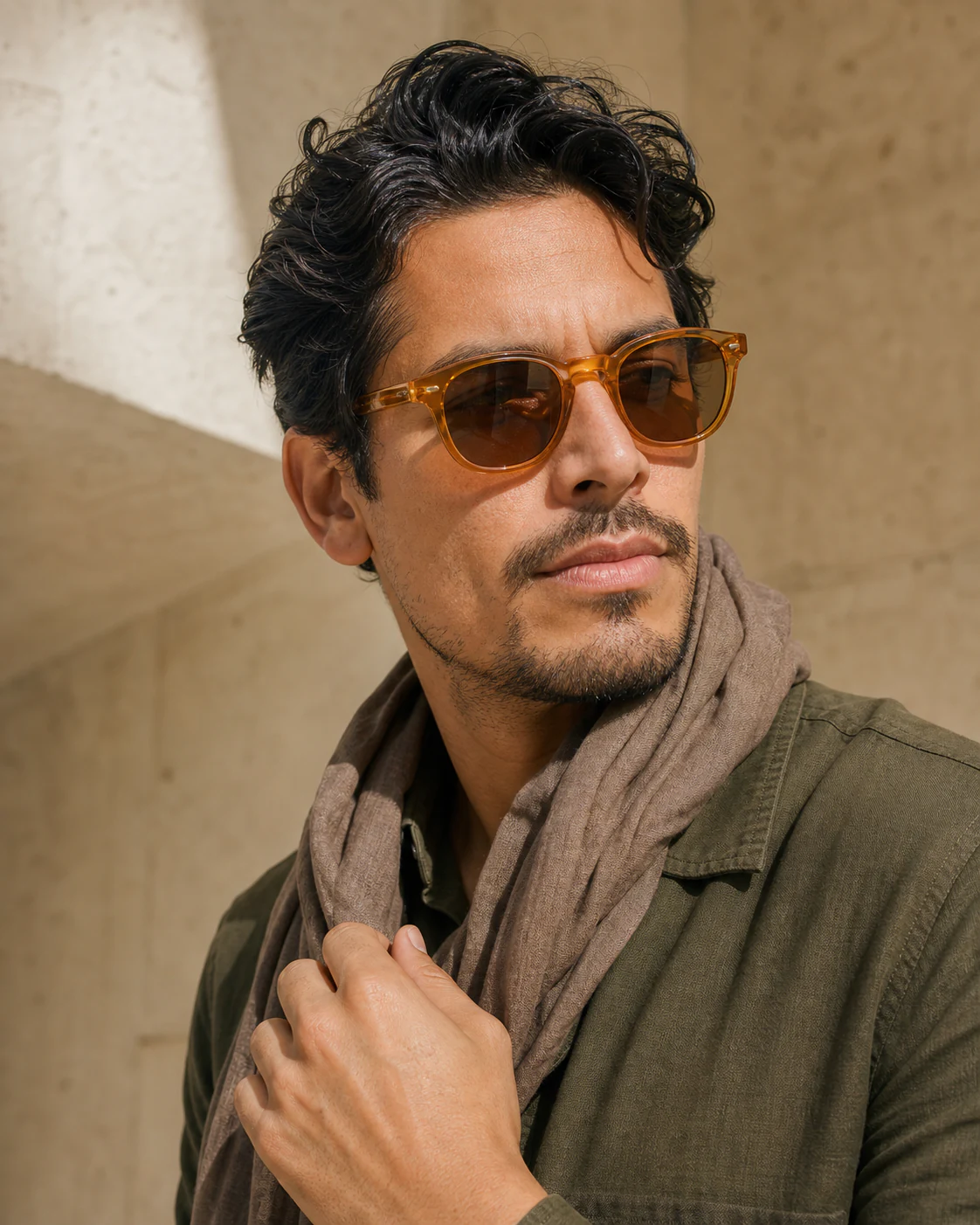
From dresses and tops to outerwear and bags, Yippa Try-On works across the products shoppers want to see on themselves.
High-intent leads
Ask engaged shoppers for their email, then reach them in Shopify Email or Klaviyo.
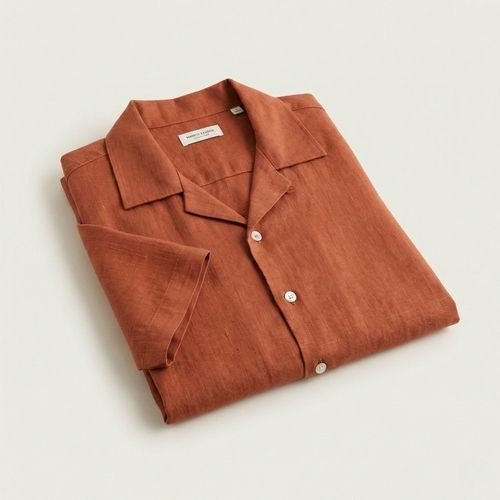 Relaxed Linen Shirt
Add your email to try it on.
Merchant analytics
Your dashboard shows try-on volume, your top-tried products, and how try-ons turn into orders and revenue.
Emerald Silk Midi Slip Dress21 try-ons · 9.5% conversionRust Linen Camp Shirt16 try-ons · 6.3% conversionTry Yippa free, then move to a paid plan as your try-ons grow. Cancel anytime.
Built for trust
We delete the photo a shopper uploads right after their try-on is generated. We never sell it or use it for advertising.
Read our privacy policy →Can’t find what you need? Email team@yippa.io.
Add Yippa Try-On from the Shopify App Store, then place the try-on button on your product pages using the app block. No developer needed.
Yippa Try-On works with most modern Shopify themes. Add the try-on button to your product pages through the Theme Editor—no code required.
Yippa Try-On works with a wide range of apparel, including dresses, one-pieces, shirts, tops, trousers, jeans, skirts, shorts, and outerwear, plus accessories such as bags, sunglasses, hats, and scarves.
Yes. Yippa Try-On matches your store’s colors and button styling by default, and you can customize its appearance to suit your brand.
Both. Yippa Try-On can use clear product-only images and photos of a model wearing the product.
One clear photo of themselves. Yippa Try-On creates a photo-realistic result that looks like them wearing your product.
The result appears in moments, while the shopper is still on your product page.
Yes. You can show Yippa Try-On across all products, selected collections, or selected products, with exclusions wherever you need them.
No. Yippa Try-On provides a visual preview of how a product looks; it does not recommend sizes or guarantee physical fit.
Yes. Yippa Try-On works with men’s, women’s, and unisex apparel across its supported product categories.
There’s a free plan to start, with paid plans as your try-on volume grows.
The shopper’s uploaded photo is used only to create the try-on and is deleted after generation. The generated result is kept for up to seven days so the shopper can view, download, or share it. We don’t sell shopper photos or use them for advertising.